TipsJuly 20, 2026·9 min read

Top Meeting Management Tools to Transform Your Workflow Today

The best meeting management tools make transcription automatic, notes structured, and insights actionable.

Top Meeting Management Tools to Transform Your Workflow Today

Are your meeting management tools helping your team stay organized, or are they creating more confusion after every call?

Many businesses invest in meeting management software expecting better productivity, yet employees still waste time searching for notes, clarifying decisions, and tracking missing action items. Research shows professionals forget nearly 50% of meeting discussions within just 1 hour. Meanwhile, a 2026 study found that 30% of meeting tasks never get completed because teams fail to document or assign them properly.

This growing problem explains why businesses now look beyond basic scheduling apps and search for the best meeting management software that can capture conversations, organize notes, and turn discussions into actionable tasks. A modern meeting management platform should help teams save time, improve accountability, and make important information searchable long after the meeting ends.

In this blog post, we will talk about the top meeting management tools that help teams work smarter, capture decisions faster, and improve workflow efficiency today.
The Real Problem With Meeting Management Tools

Before recommending specific meeting management tools, let's be clear about what's broken. Traditional platforms excel at getting people in the same room. But most meetings still produce zero clear action items despite taking hours of team time.

That's not a scheduling problem. That's a meeting effectiveness software problem.

The gap exists because most meeting management tools separate the recording from the notes, the notes from the action items, and the action items from follow-up. Teams end up with recordings nobody transcribes, notes scattered across email, and team members asking for recaps days later.

The best meeting management tools solve this by making transcription automatic, notes structured, and insights actionable. This is how organizations should evaluate enterprise meeting management solutions.

What to Look For in Meeting Management Tools

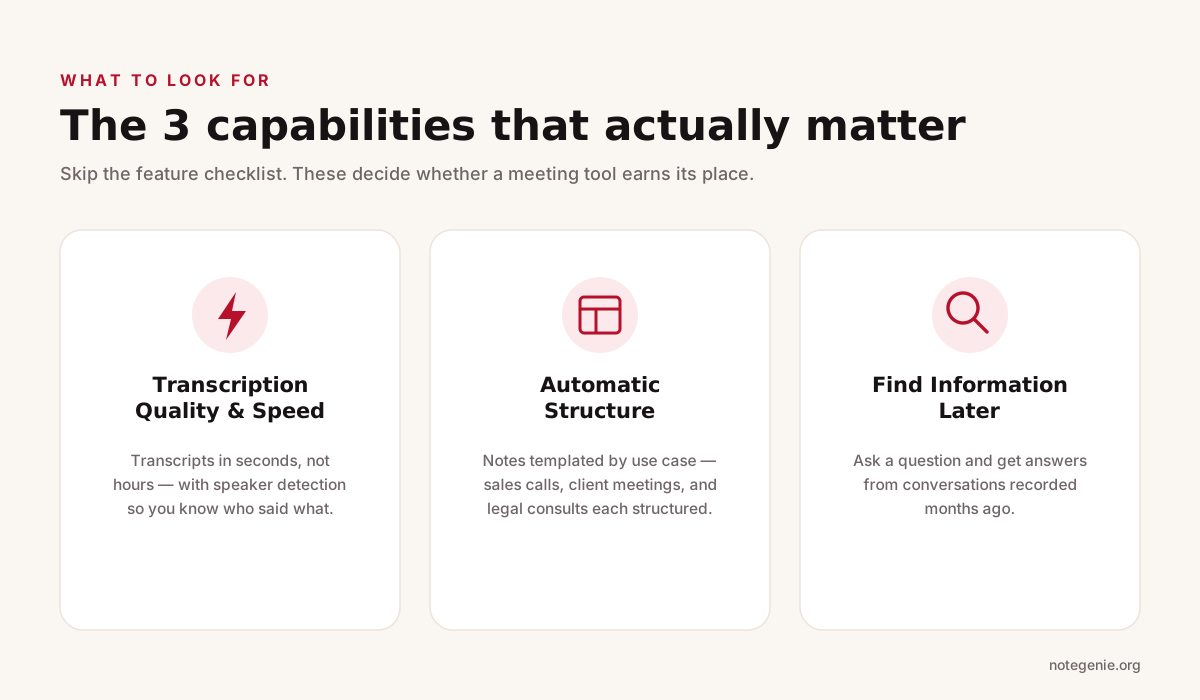
Infographic showing the three capabilities that matter most in meeting management tools: fast transcription with speaker detection, automatically structured notes by use case, and the ability to find information later by asking questions.
The three capabilities that separate effective meeting management tools from the rest.

When comparing meeting management tools, skip the feature checklist mentality. Instead, focus on three core capabilities:

Transcription Quality and Speed

This sounds obvious, but it's where most meeting management tools fail. A transcription that takes three hours to generate is useless if the meeting's already over and teams have moved on. Real meeting management tools need transcription in seconds, with speaker detection so teams actually know who said what. If the software requires manual review and correction of transcriptions, it's adding work, not removing it.

Automatic Structure

Notes are only useful if they're organized. Raw transcripts are worse than useless. The best meeting management tools template notes by use case. Sales calls need different structure than client meetings. Legal consultations need different structure than team standups. If teams are manually creating structure every time, they're not using meeting management tools effectively.

Actually Finding Information Later

Can teams ask meeting management tools a question? If a conversation about Q3 strategy was recorded four months ago, can the platform answer "what did we decide about the pricing timeline"? Most can't. This is where enterprise meeting management tools separate the adequate from the exceptional.

Types of Meeting Management Tools

Not all meeting management tools solve the same problems. Some platforms only handle scheduling, while others focus on transcription, collaboration, or AI driven knowledge management. Understanding these categories helps businesses avoid investing in meeting management software that only covers part of the workflow.

The best meeting management software should match how teams capture information, assign tasks, and retrieve decisions later.

Before choosing a meeting management platform, companies should evaluate how each category supports productivity before, during, and after meetings.

Type of ToolMain PurposeStrengthsLimitationsBest For
Calendar and Scheduling ToolsSchedule and organize meetingsSimple calendar management, reminders, availability trackingDo not capture discussions, notes, or decisionsTeams that need scheduling coordination
Recording First PlatformsRecord and transcribe meetingsAccurate transcription, searchable audio records, speaker detectionLimited workflow automation and weak follow up systemsTeams focused on documentation and compliance
Integrated Meeting PlatformsHost virtual meetings and collaborationVideo conferencing, chat, screen sharing, basic recordingNotes and summaries often lack structure and depthRemote and hybrid teams
AI Powered Meeting Intelligence ToolsAutomate the full meeting lifecycleAI summaries, structured templates, action item tracking, searchable knowledge baseHigher pricing and learning curve for advanced featuresBusinesses that rely heavily on meetings and collaboration

Each category of meeting management tools solves a different problem. Scheduling apps organize meetings but do not capture discussions. Recording first platforms improve transcription but still require manual follow up. Integrated meeting platforms support communication but often lack advanced note organization.

Modern AI powered meeting management software connects everything together by turning conversations into searchable notes, summaries, and action items automatically.

Key Metrics for Meeting Effectiveness

Beyond features, organizations should pay attention to actual outcomes when evaluating meeting management tools. Implementation shouldn't just be smoother. It should change team behavior. Here's what actually matters:

  • Time spent on meeting prep and follow-up should drop significantly. If meeting management tools aren't saving time, they're not working.
  • Decision clarity should improve measurably. Compare how many meetings result in confirmed action items before and after implementation. This metric separates effective tools from software that just records.
  • Team adoption should feel natural and intuitive. The best meeting management tools integrate into existing workflows rather than requiring new ones.

How to Evaluate Meeting Management Tools Effectively

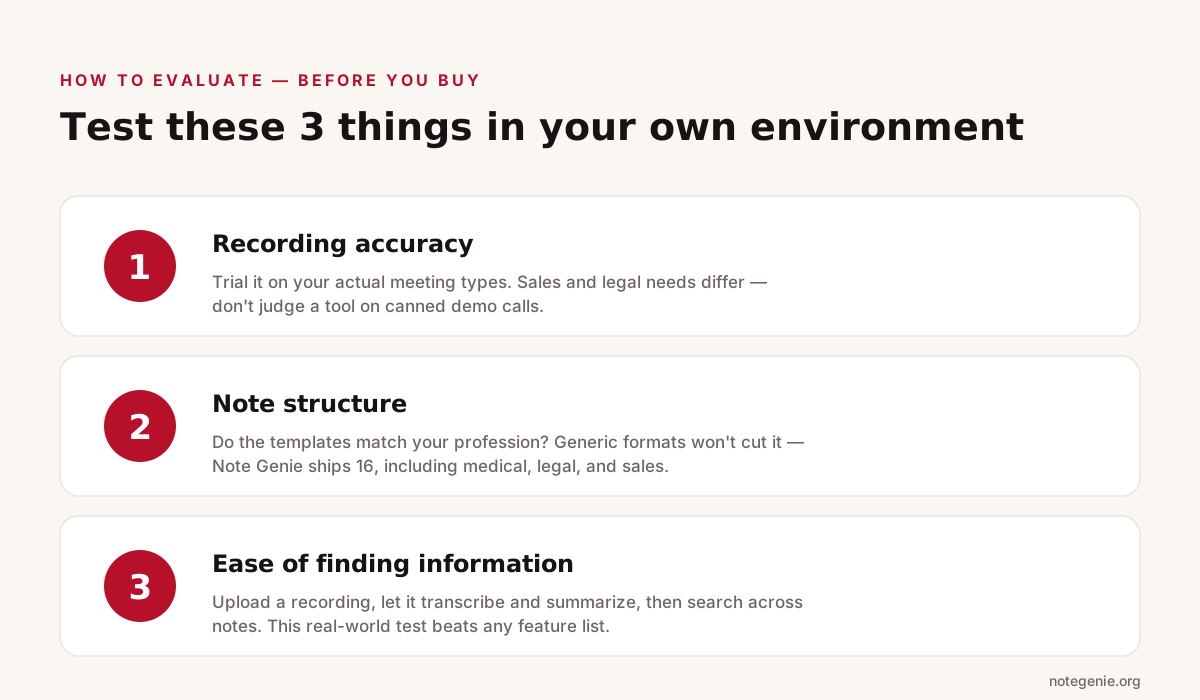
Infographic showing three tests to run before choosing a meeting management tool: check recording accuracy on your real meeting types, confirm note templates match your profession, and test how easily you can find information later.
Three tests to run in your own environment before committing to a meeting tool.

Before committing to any meeting management tools, test three critical capabilities in your specific environment:

  • Recording Accuracy - Request a trial using actual meeting types. Sales team needs differ from legal teams. Don't judge meeting management tools on demo calls alone.
  • Note Structure - Check if the templates match professional needs. If an organization's practice is healthcare and the system only offers generic meeting templates, it's not built for that use case. Note Genie offers 16 profession-specific templates including medical visits, legal consultations, and sales calls.
  • Ease of Finding Information - Test the actual workflow with meeting management tools. Upload a recording, let it transcribe and summarize, then search across notes. This real-world test beats any feature list.

The Role of Meeting Management Tools in Business Growth

Here's what separates companies that excel at meeting effectiveness from those that struggle: they treat meetings as knowledge capture moments, not just coordination events.

Effective meeting management tools become institutional memory. When teams onboard new members, they can search through months of meeting notes to understand previous decisions. When referencing what was decided on a major project, teams don't email around asking people to remember. They ask their meeting management tools.

This scales knowledge across the entire organization. Native integrations with Zoom, Teams, and Google Meet mean the best meeting management tools work automatically in existing environments. Teams don't interrupt workflow with a new tool.

Note Genie AI: The Missing Link in Productivity

Note Genie AI fills the gap between simply recording a meeting and actually using the information afterward. The platform combines meeting recording, AI transcription, structured summaries, and knowledge capture so teams can turn conversations into usable records instead of scattered notes. It works across desktop, Chrome, mobile, and web, and it supports virtual meetings, in-person conversations, uploads, and voice capture.

CapabilityWhat it doesWhy it matters
Meeting recordingCaptures virtual and in-person meetings from desktop, phone, or browserLets teams record conversations wherever they happen.
AI transcriptionAdds speaker detection, word-level timestamps, and 7-language supportMakes transcripts easier to trust and review later.
AI summariesCreates structured notes with takeaways, decisions, action items, and next stepsSaves teams from rewriting meetings by hand.
16 templatesUses industry-specific formats for sales, medical, legal, education, and moreKeeps notes relevant to the type of meeting.
Folder IntelligenceGroups recordings into a searchable knowledge base with cross-recording insightsHelps teams find patterns across multiple meetings and files.
Ask AIAnswers questions across transcripts, summaries, and documentsMakes past meetings easier to search and use.

That is what makes Note Genie AI more than a note taker. It helps teams capture work in the moment, organize it automatically, and reuse it later through searchable folders, shared access, email recaps, and native Zoom, Microsoft Teams, and Google Meet integrations with no bot joining the call.

In practice, that means less manual transcription, clearer follow up, and a stronger knowledge base built from real conversations.

Frequently Asked Questions

What are the 7 P's of meetings?

The 7 P's of meetings are Purpose, Product, People, Process, Preparation, Participation, and Payoff. This framework helps teams plan productive meetings with clear goals, active participation, and actionable outcomes.

What is the best meeting scheduling tool?

Popular meeting scheduling tools include Google Calendar, Microsoft Outlook, Calendly, and Microsoft Bookings. If you also need AI meeting notes, summaries, and action item tracking, Note Genie AI complements these scheduling platforms.

What are the 5 P's of effective meetings?

The 5 P's of effective meetings are Purpose, Plan, Participants, Process, and Progress. Following these principles helps teams stay focused, make decisions efficiently, and complete follow-up tasks.

Final Thoughts on the Right Meeting Management Tools

The best meeting management tools do more than schedule calls or record conversations. They help teams capture decisions, organize information, assign action items, and make important knowledge easy to find later. Businesses that rely on meetings every day need meeting management software that improves accountability and reduces the time wasted on manual notes, follow ups, and scattered documentation.

When evaluating the best meeting management software, focus on tools that fit real workflows instead of chasing long feature lists. Test how quickly teams can record meetings, generate structured summaries, search past conversations, and share insights across departments. A strong meeting management platform should simplify collaboration, not create more work.

If your team wants a smarter way to capture and organize meeting knowledge, explore what Note Genie AI offers. Visit Note Genie AI and sign up to experience AI powered meeting management tools designed for modern teams.

Turn Meetings Into Searchable Knowledge

AI recording, transcription, and 16 summary templates. Try Note Genie free.

Get Started Free